


You've been Spotted!
Polo sightings out and about.
6292 topics in this forum
-

- 0 replies
- 546 views
thompson8 -

- 0 replies
- 687 views
H@wK£R -

- 0 replies
- 583 views
6Newan -
- 0 replies
- 608 views
jay135 -
- 0 replies
- 849 views
GreatRaz12 -
- 1 reply
- 829 views
iggi -
- 4 replies
- 1.3k views
 VDUB POLO
-

- 0 replies
- 652 views
Dean -
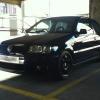
- 0 replies
- 675 views
scousa -

- 0 replies
- 608 views
mad-dean -

- 2 replies
- 1k views
Alex -
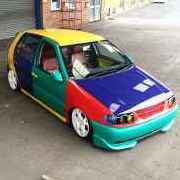
- 0 replies
- 534 views
BigSexyRob -

- 2 replies
- 723 views
lordofthebored -
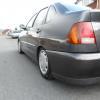
- 0 replies
- 660 views
j-low -

- 20 replies
- 2.3k views
 Guest
-

- 0 replies
- 584 views
Hoodless -
- 0 replies
- 652 views
cam_d_ -

- 0 replies
- 712 views
teji -
- 1 reply
- 700 views
 steelcitypolo
-
- 0 replies
- 587 views
Dean -
- 4 replies
- 1.2k views
Guest -
- 5 replies
- 1.1k views
10pin -
- 1 reply
- 792 views
 hobnob488
-

- 2 replies
- 822 views
 Punz
-

- 0 replies
- 572 views
dub_michael
Recently Browsing 0
- No registered users viewing this page.
