Leaderboard
-

Yeti
Club_Member1Points12321Posts -

kie6n16v
Forum User1Points1Posts
Popular Content
Showing content with the highest reputation on 10/06/24 in Posts
-
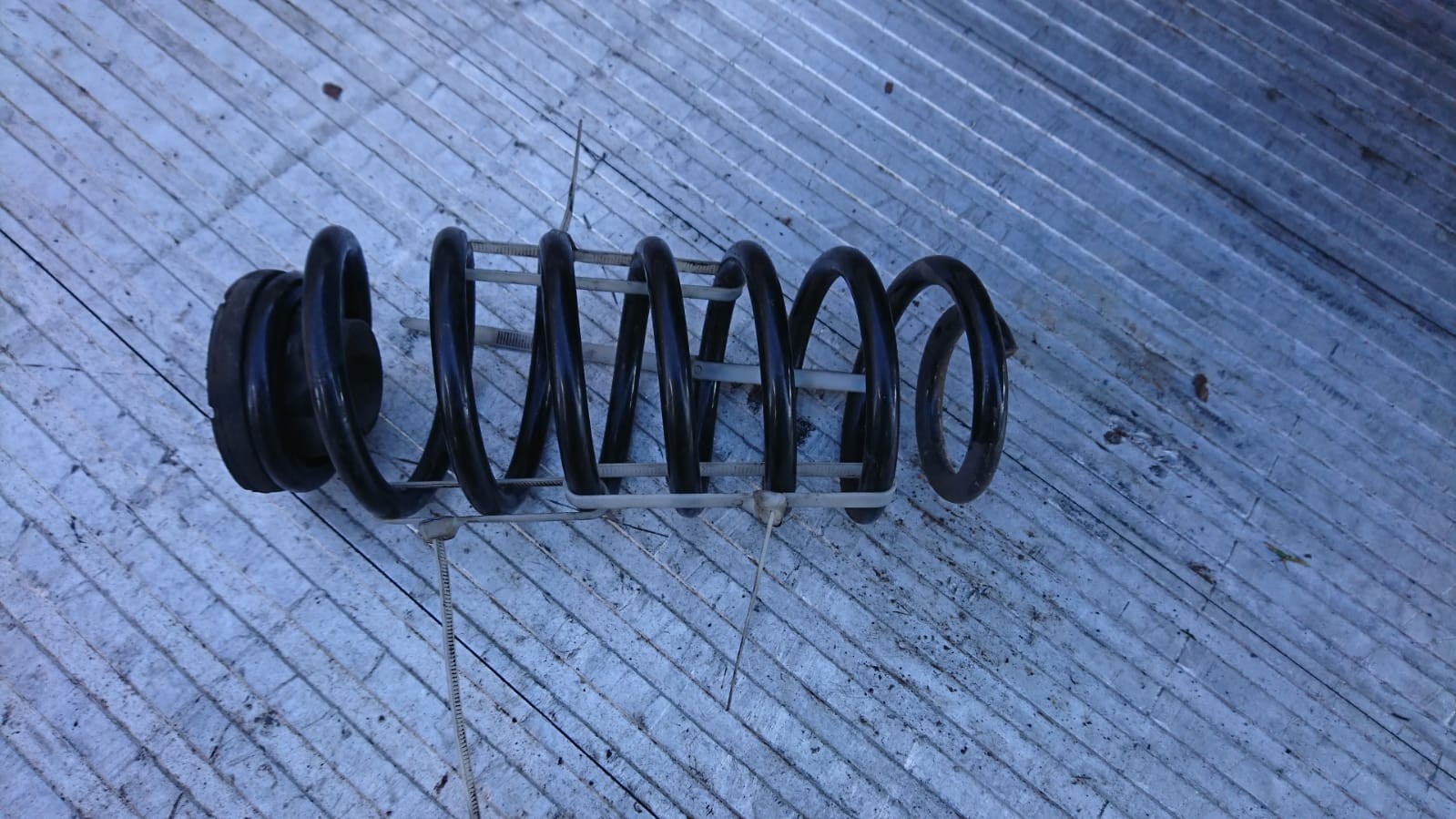
1 pointhttp://webcat.klarius.eu/cgi-bin/kidlog.cgi?lang=&url= If you sign up there (free), you can pull the diagrams up which will have all the diameters on.1 point
-
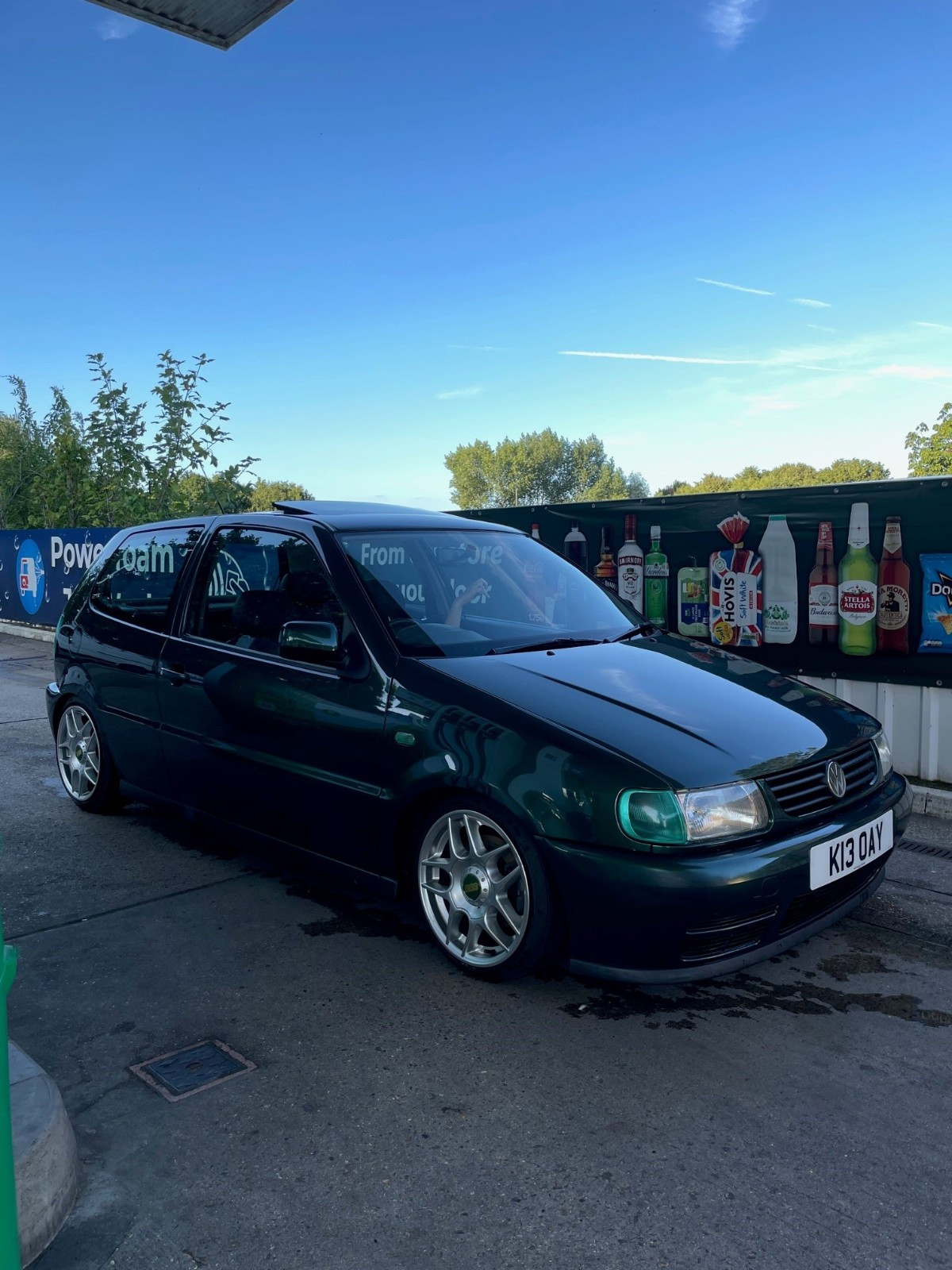
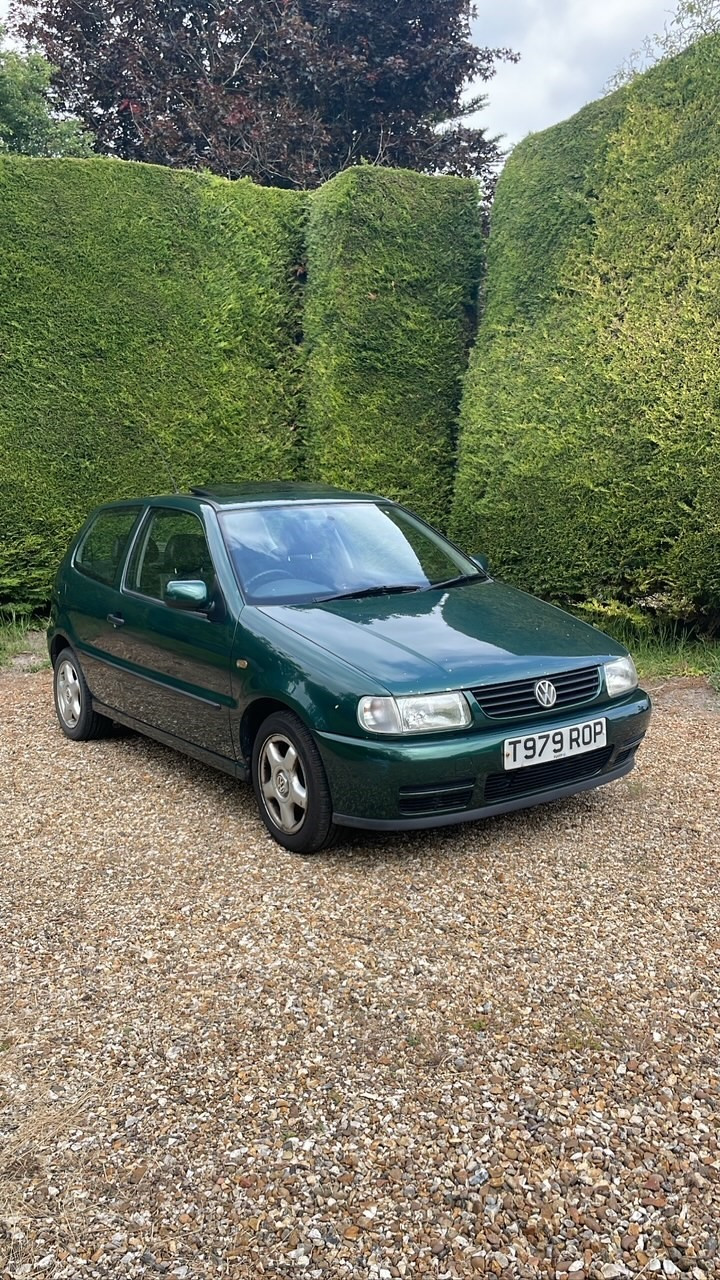
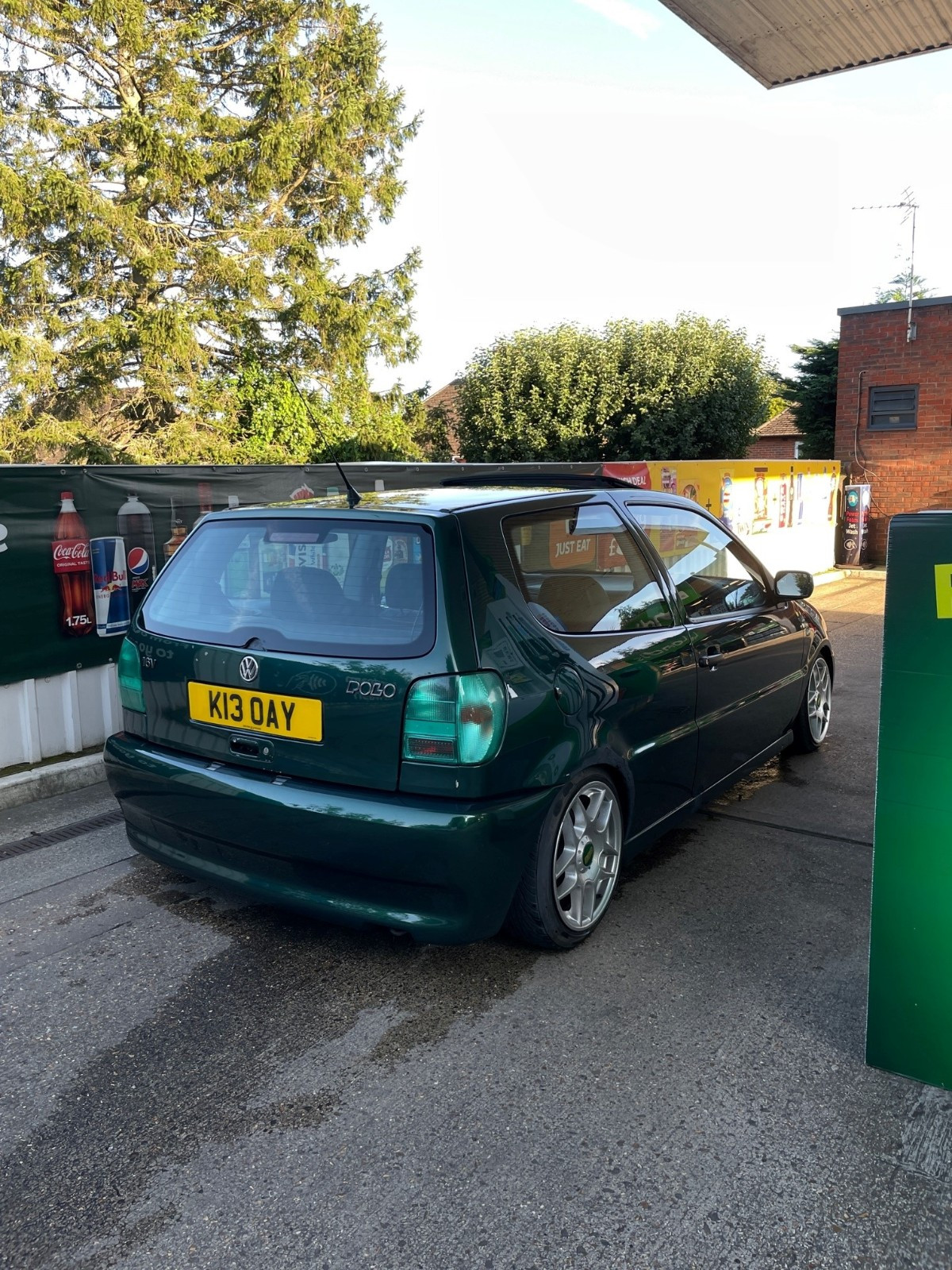
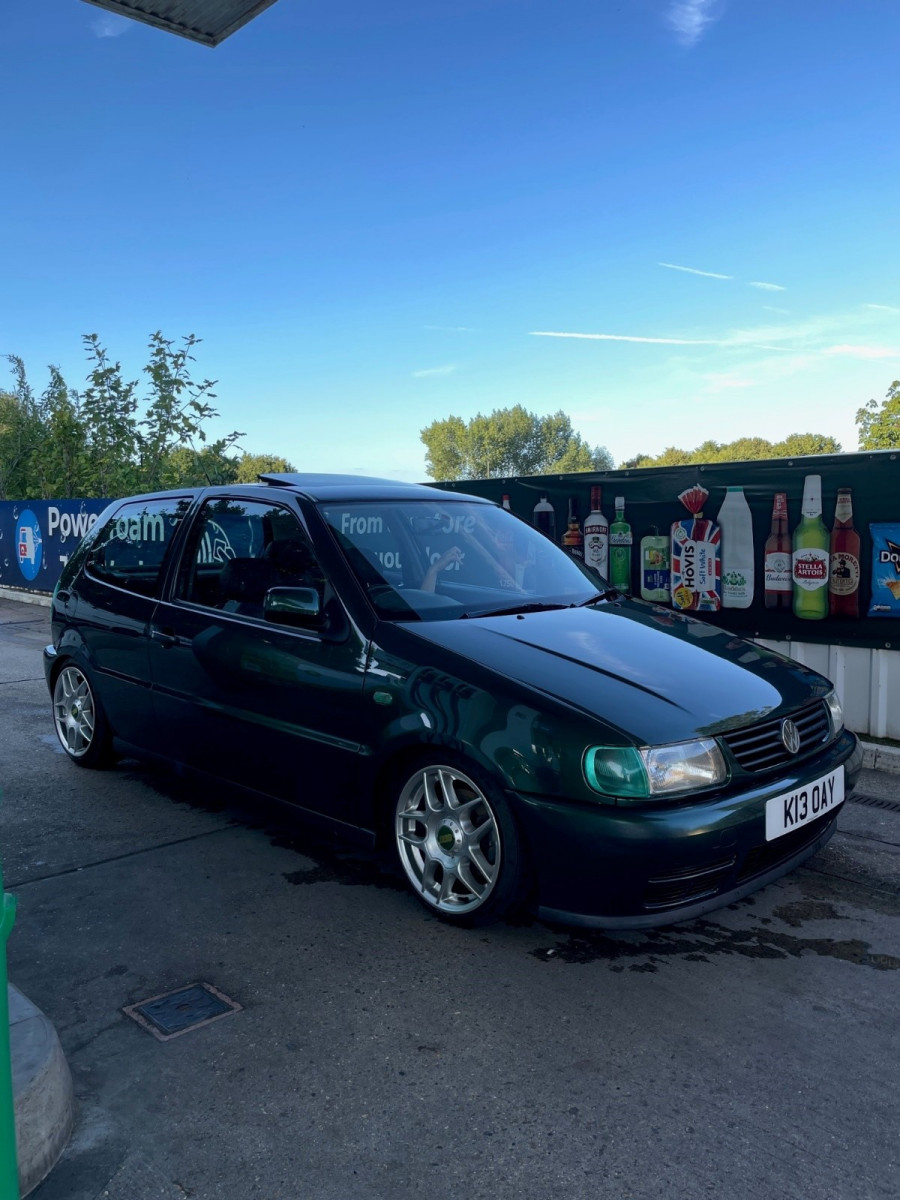
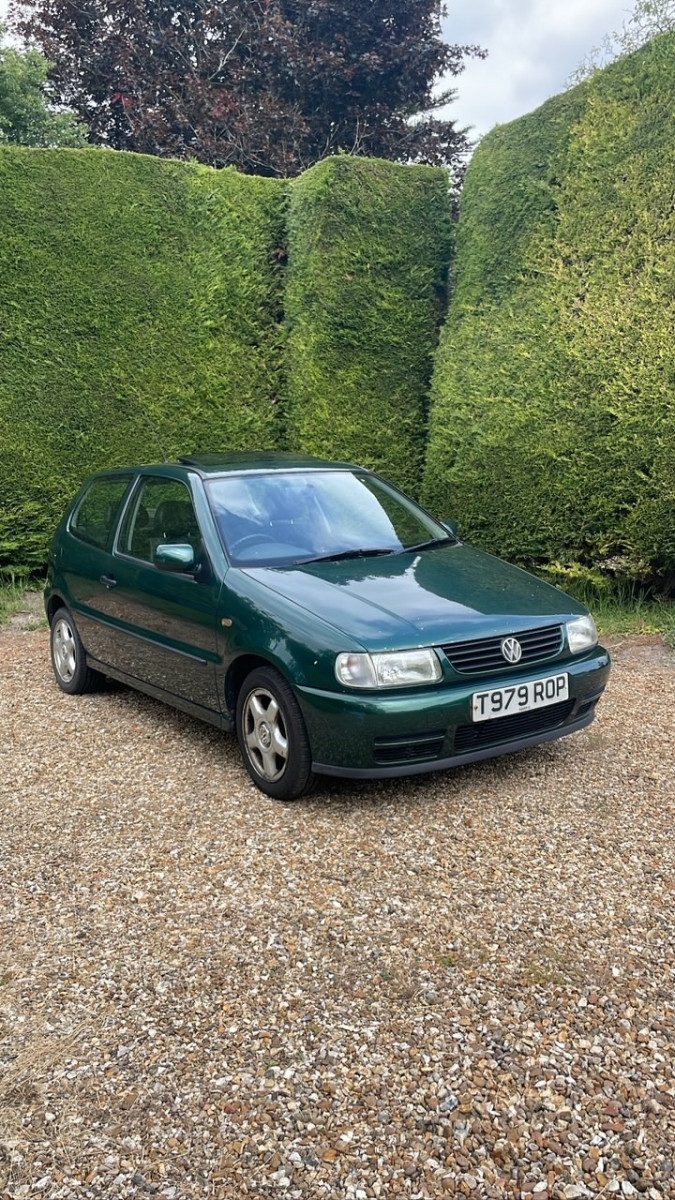
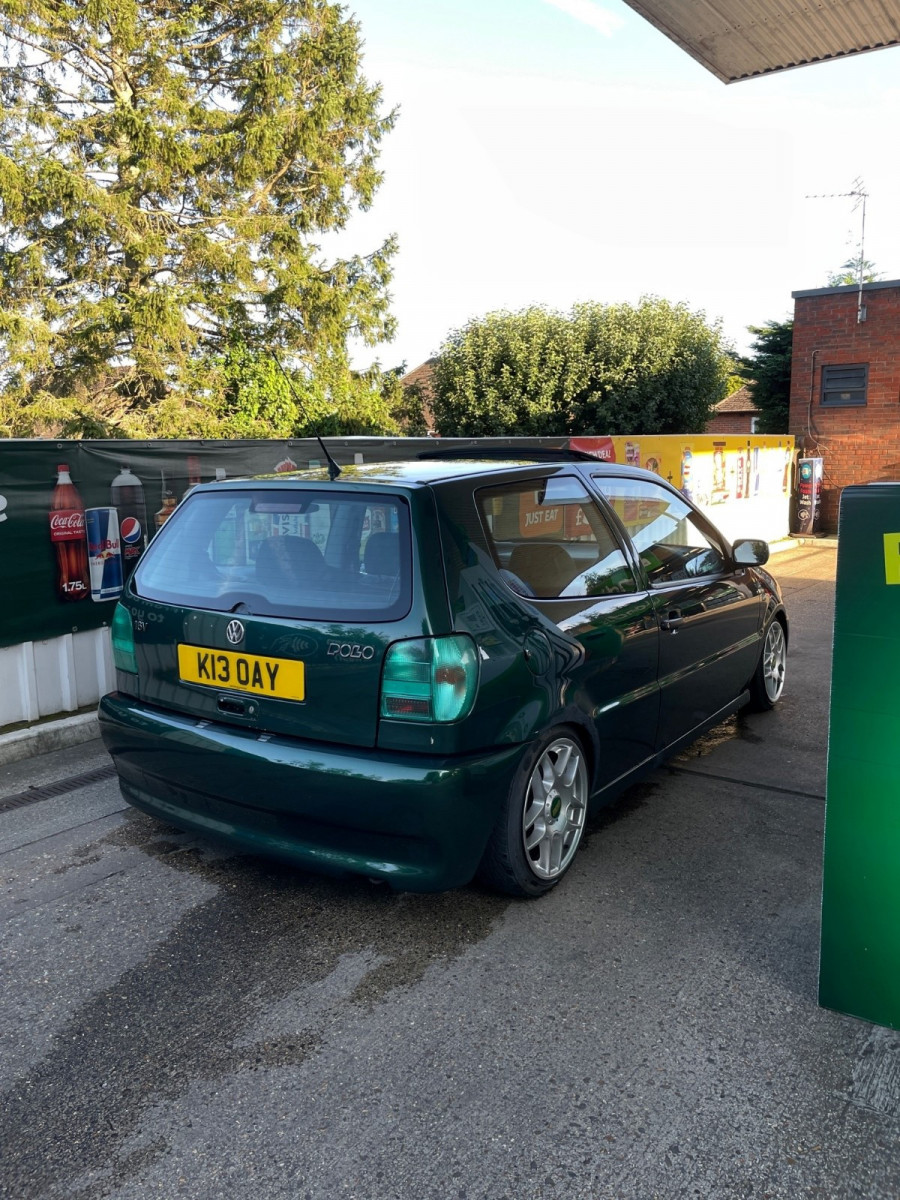
1 pointHere is a Volkswagen polo 6n 1.4 16v in dragon green. I bought it May 2023 and drove it daily until September 2024 (Yes I have gone through 3 gearboxes) This one was on eBay for bidding, I got lucky and had the winning bid. Afterwards the seller had messaged me saying the drivers side window wouldn't go down so they knocked off a fair bit of money which turned out to be a free fix 😃 Next day had drove 2 hours up to go see it. Was an elderly guy which his dad had purchased brand new, which he had passed down to him then he passed it down to his son and his son ended up moving to Germany so it would only get taken out occasionally (hence why it had 64k miles on it) when I first bought this I didn't have space for a 2nd car so it became my daily. From the photos on the listing, it had a rusty arch and sills and a lot of scratches. However, when he started it up, it was really loud. This was due to the backbox being broken 🤣 So straight away bought a brand new backbox Also another cool thing it had full VW service history up until me😅 I have - Welded some bits on it FK coilovers Green Hella Lights BBS RZ515 on 164/45 New backbox with new heatshield holders LUK Clutch Res delete New front and rear bumper and a new bonnet 6N2 Stubby mirrors wired onto a 6N loom Spark plugs, HT Leads and Ignition coil Removed the door bump guards (looks cleaner in my opinion) New Gearstick Leather surround DIY Rear Wiper Delete (double sided tape) Polished rocker cover Given it a service (and a new fuel filter!) Next is going to be the rest of the rust + fresh paint and dent removals Below is when I first got it (May 2023) VS now (September 2024) If anyone has any rare goodies hiding let me know! would love a jap boot!
 1 point